Skip to content
  • Create

    • Image
    • Video
    • Audio
    • Motion
    • Edit & Enhance

    Platform

    • Creative Board
    • Templates
    • One-click effects
    • Apps
    • Brand kit
    • Models
    • Teams & reviewComing: Shared workspaces, seats and review links a client answers without an account.
    • CreatorsShorts, series and channel art at the cadence your audience expects: the same character every episode, B-roll, voice, music and captions, without a crew.
    • Designers· HEREStills from every image model, kept on brand and consistent, reworked and finished on one canvas, with the price of each run shown first.
    • FilmmakersStoryboards, shots and sound from the leading video models, kept consistent from scene to scene and cut on one canvas, priced before each run.
    • Brands & e-commerceLaunch films, product shots and paid-social cuts in one look, with your brand kit on every card and the price of every run shown first.
    • AgenciesPitch directions side by side before the shoot, direct the client’s pick to a finished cut on a shared board, and price every round first.
    • App & SaaSWrite, voice and cut hook variations for install ads and explainers, in every shape the feeds want, priced before they run.
  • Templates
  • Pricing
    • FAQAnswers about templates, credits and plans, models, AI disclosure and your account.
    • TrustHow credits, refunds and AI disclosure work: what the product enforces today, and what is coming.
    • GuidesGuides for marketers: UGC ad hooks, 30-second scripts, creative testing, aspect ratios and the FTC rule on AI presenters.
    • ChangelogEvery change to Vessero you can see, with the date it shipped.
    • ToolsSmall tools for single jobs, each marked free or paid. The hook generator and the UGC script generator are free and need no account.
    • CompareVessero side by side with Higgsfield, Magnific, Krea, Runway, Arcads and Creatify: what each offers and costs, and where each is the better choice. Dated and linked.
    • AboutWhat Vessero is, who it is for, and the rules it is built by.
    • ContactTalk to the Vessero team about your account, plans for teams, or a partnership.
    • AffiliatesEarn 25% of every subscription payment for a customer’s first 12 months. For creators, agencies and educators who teach people to make images, video and ads.
Sign inStart
Start

Vessero is the AI creative studio: image, video, sound and motion from the best models, finished on one canvas with captions, motion, your brand and many versions, for creators, designers and the teams that ship ads.

People in our videos are AI actors unless we say otherwise.

Product

  • Image
  • Video
  • Audio
  • Motion
  • Edit & Enhance
  • Creative Board
  • Templates
  • One-click effects
  • Apps
  • Brand kit
  • Models
  • Pricing
  • Effects

Solutions

  • Creators
  • Designers
  • Filmmakers
  • Brands & e-commerce
  • Agencies
  • App & SaaS

Resources

  • FAQ
  • Trust
  • Guides
  • Changelog
  • Tools
  • Compare

Company

  • About
  • Contact
  • Affiliates

Legal

  • Privacy Policy
  • Terms of Service
  • Cookie Policy
  • Delete your data
  • Security
  • Legal notice

© 2026 Vessero · A product of Forgutti Unipessoal Lda

hello@vessero.com

Solutions · Designers

Try the idea on every image model. Keep the one that holds.

Put the reference, the palette and the product on one board, run the same idea on more than one model, and keep the subject the same from mockup to thumbnail — with your brand kit on every card and the price of every run shown first.

Continues with Google. By continuing you agree to the Terms and Privacy Policy.

The job

As it goes today.

A brief asks for the key visual, the mockups around it, the product shots and the social cut-downs, all in one look. Put the reference, the palette and the product on one board, try the idea on more than one model, and keep what holds.

  • Every model is good at something different.

    One sets type, another renders skin, another gets glass right — and each lives behind its own tab and its own subscription.

  • The product changes between shots.

    A label that reads differently on every mockup is a mockup nobody can use.

  • One idea, twenty sizes, by Friday.

    The key visual, the listing stills, the social cut-downs and the thumbnails, all in one look.

How it gets made

From an idea to the finished piece.

Each step names the parts you can use today, and marks the parts still being built as coming.

How the board works
  1. 01

    Set the brief

    Start from a template — mockups from every angle, a brand sheet from a logo, thumbnails that carry type — or from a blank board. A brand kit brings your logo, colours, type and voice with it.

    Today
    Templates for mockups, brand sheets and thumbnails · Your logo, colours, type and voice in a brand kit
  2. 02

    Try it on every model

    Put the same prompt on image cards running different models, side by side, and compare what comes back before you choose.

    Today
    Every image model, picked per card · Up to 4 takes a run · The price on every Run
  3. 03

    Keep it consistent

    Wire your product photo or a character into each card as a reference and the subject holds from shot to shot: the same bottle, the same label, the same face.

    Today
    Reference wires on the edit models · Your product’s photos, read from its page
  4. 04

    Rework it

    Upscale a still, take out its background, relight it or change it in words, on the Edit & Enhance page or straight from a card on the board.

    Today
    Upscale, remove a background, relight, edit in words
  5. 05

    Finish and ship it

    Set a still in motion on a video card, add captions and kinetic type with a finish card, and download every piece from its card.

    Today
    Captions and kinetic type on the cut · Downloads from every card
    Coming
    Every size of an idea as one priced set

Templates

Boards that fit the job.

Each arrives with its stages titled and every card already run. Opening one is free; nothing is charged until you press Run.

Every template
  • Photo & art · 2 stages

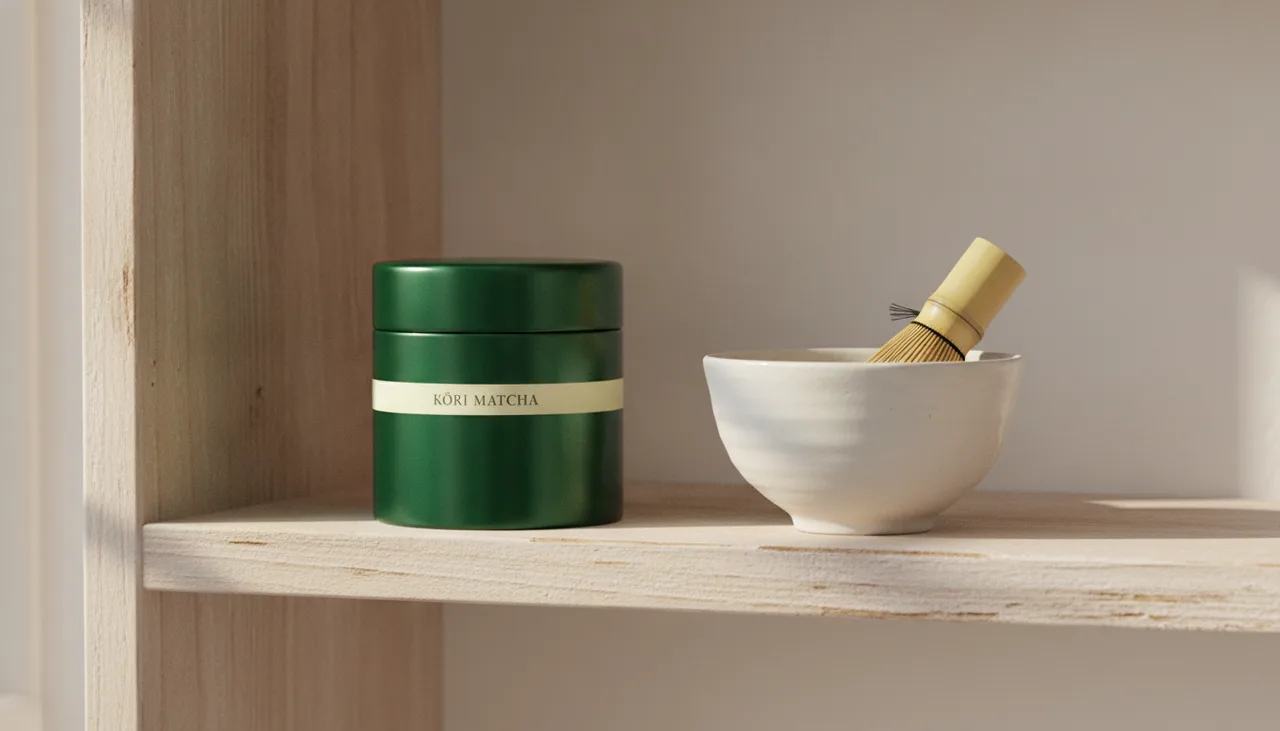
    Multiple mockup views

    A flat packaging design, placed into three real settings without a photoshoot.
  • Branding · 2 stages

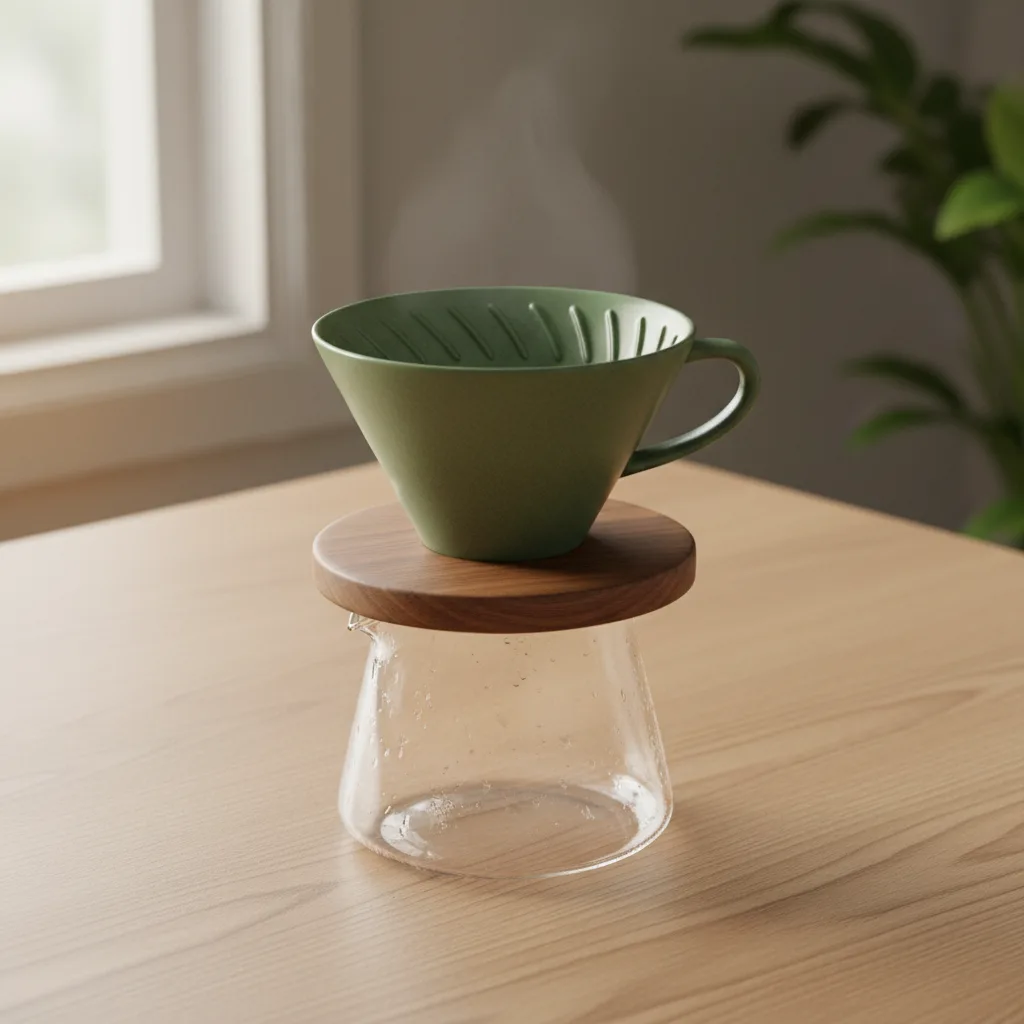
    Product showcase

    One product, three angles from a single description, ready for a listing.
  • Branding · 3 stages

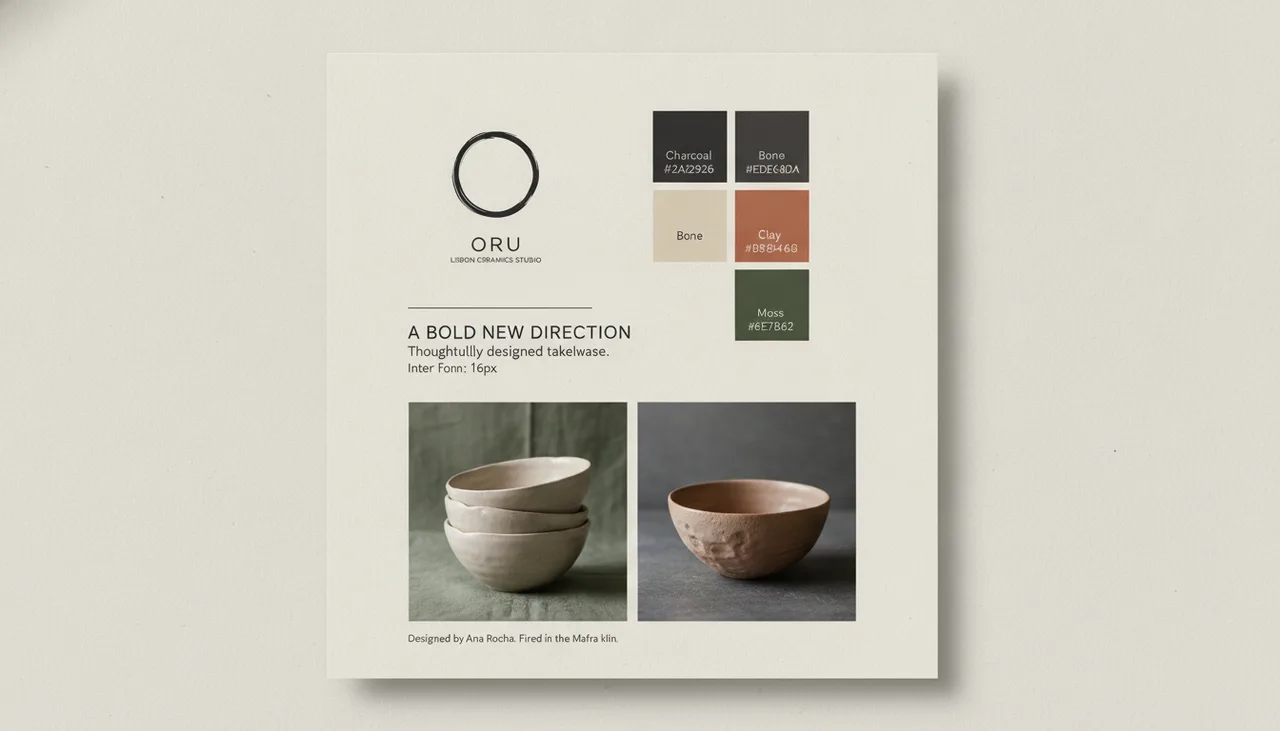
    Logo to brand guidelines

    A logo mark and a sentence about the brand become written guidelines and a brand sheet.
  • Social media · 3 stages

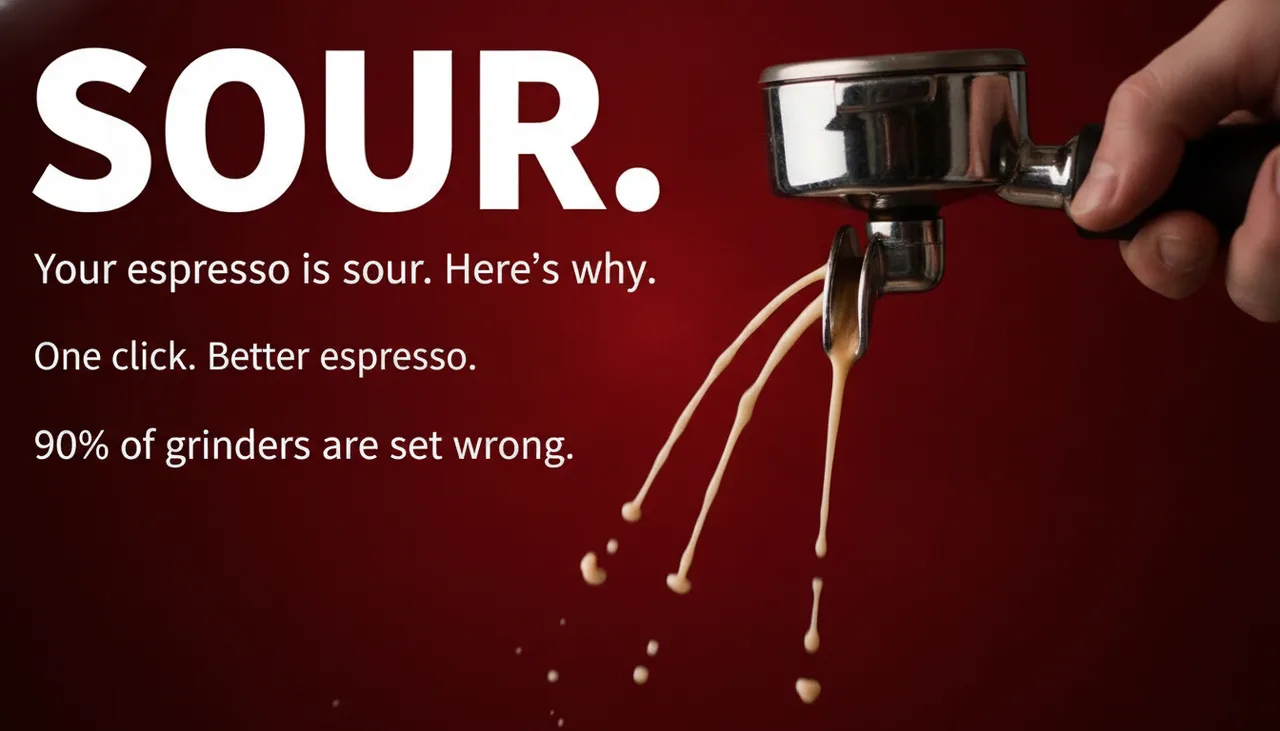
    Social thumbnails

    A topic becomes three hook lines and three thumbnails to test against each other.
  • Clip

    Ads · 3 stages

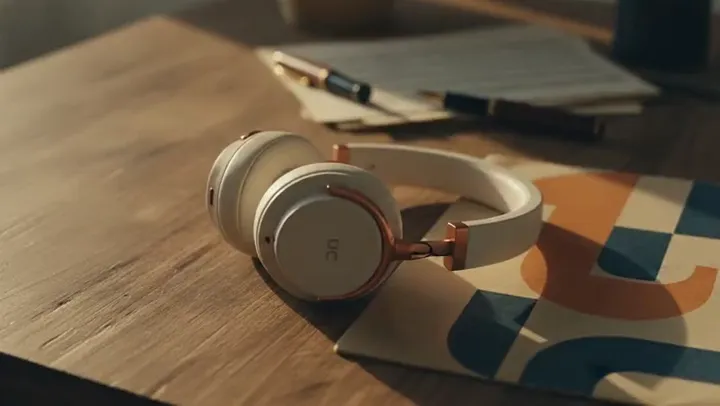
    Preview ad direction by mood

    Same product, three moods side by side — pick the direction before you shoot a frame.
  • Clip

    Filmmaking · 2 stages

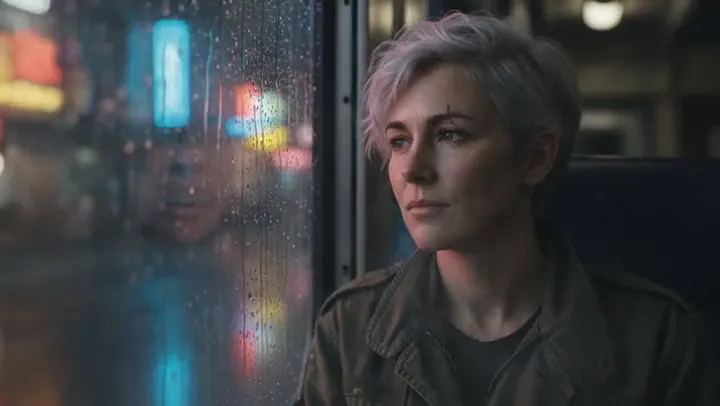
    Character consistency

    Establish a character once, then place the same character in new scenes.

The plan that fits

Free to explore. Pay to create.

Starter for a steady run of stills; Pro for exploring at volume, with priority rendering.

Every plan and price
  • Starter

    $19 per month

    For one person making images, video and sound every week.

    800 credits a month · 1 seat

    Starter's 800 credits ≈ 16 eight-second Veo 3 Fast clips, or 80 images.

  • Pro

    $49 per month

    For a creator or a brand making work at volume.

    2,400 credits a month · 1 seat

    Pro's 2,400 credits ≈ 48 eight-second Veo 3 Fast clips, or 240 images.

Questions

Asked first.

Mockups from every angleA brand sheet from a logo
  • Which image models can I use?

    11 image models, including Nano Banana Pro, GPT Image 2, FLUX 2 Pro, picked on each card. An image costs 10 credits whichever model you pick, shown on the card before it runs.

    Every model, with prices
  • Can I keep a product the same from shot to shot?

    Yes. Wire a photo of the product into each image card as a reference and the edit models compose from it, so the shape and the label carry from shot to shot. Check each take: a model can still drift on small print.

  • Will it use my brand?

    Yes. Set up a brand kit once, with your logo, colours, type and voice, and wire its brand card into a board: the cards that name the brand write in its voice, and a finish card sets its colours, type and logo.

    The brand kit
  • Can I upscale a picture or remove its background?

    Yes. Edit & Enhance upscales a picture, takes out its background, relights it, restyles it or changes it in words, on its own page or from a card on the board, each priced before it runs.

  • Can I use what I make for clients?

    Yes: what you make is yours to use, and we claim no ownership of it. AI output may not be unique to you, and copyright in AI-generated work is unsettled in many countries; the Terms set this out in full.

    Terms of Service

Free to explore · pay to create

What are you making next?

A sentence is enough to start. The board is yours to build before anything costs a credit.

Continues with Google. By continuing you agree to the Terms and Privacy Policy.