Social media · 3 stages
Narrated social clip
A script becomes a voiceover, a key visual and a vertical clip — the parts of a short.
Social media template
Wire in a clip and the new one follows its motion, camera and timing, with your own subject in it.
3 stages · 4 cards · 3 finished samples
Opening it is free. Nothing is charged until you press Run on a card.
Made with this template · Seedance 2.0 · 5s · 720p
What it makes
These are the outputs the board ships with, each made from the prompt on its card. Run any card again and it makes a new take from the same wires.

Video · Seedance 2.0 · 4s · 1080p
One continuous shot. The drone races up the gorge just above the river, banking around a bend, its rotor wash throwing a backlit trail of spray. The camera flies backward ahead of it at its speed, keeping it centred and the same size; the drone's shape and colours never change. No cuts, no other aircraft, no text.
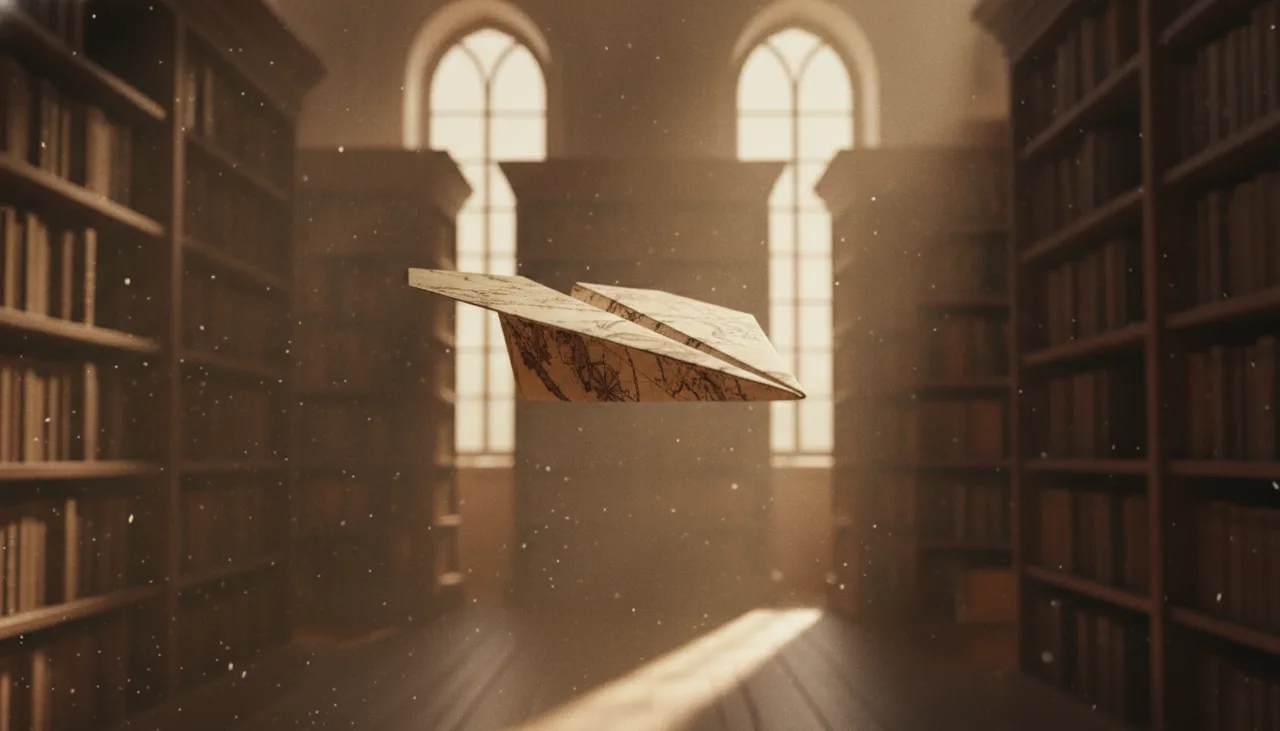
Image · Nano Banana · Still
The paper airplane in mid-flight between the library shelves, centred, seen three-quarter front from slightly ahead, low warm light, cinematic. No text.
Video · Seedance 2.0 · 5s · 720p
The paper airplane flies the path of the reference video at its speed: low between the shelves, banking around the end of a row. The camera keeps pace ahead of it, as in the reference. No cuts, no text.
The stages
The clip whose motion you want: a dance, a camera move, a chase. The sample is a drone through a gorge. To use your own, right-click the board → Upload, and wire it into the new clip’s Video refs port in this one’s place.
What the new clip shows, and a picture of it for the clip to keep: the motion comes from the clip, everything else from here.
The clip follows the move on its Video refs port, and keeps the picture on its Image refs. The seconds of the reference are charged beside the clip’s own, shown on its Run button.
More social media
Social media · 3 stages
A script becomes a voiceover, a key visual and a vertical clip — the parts of a short.
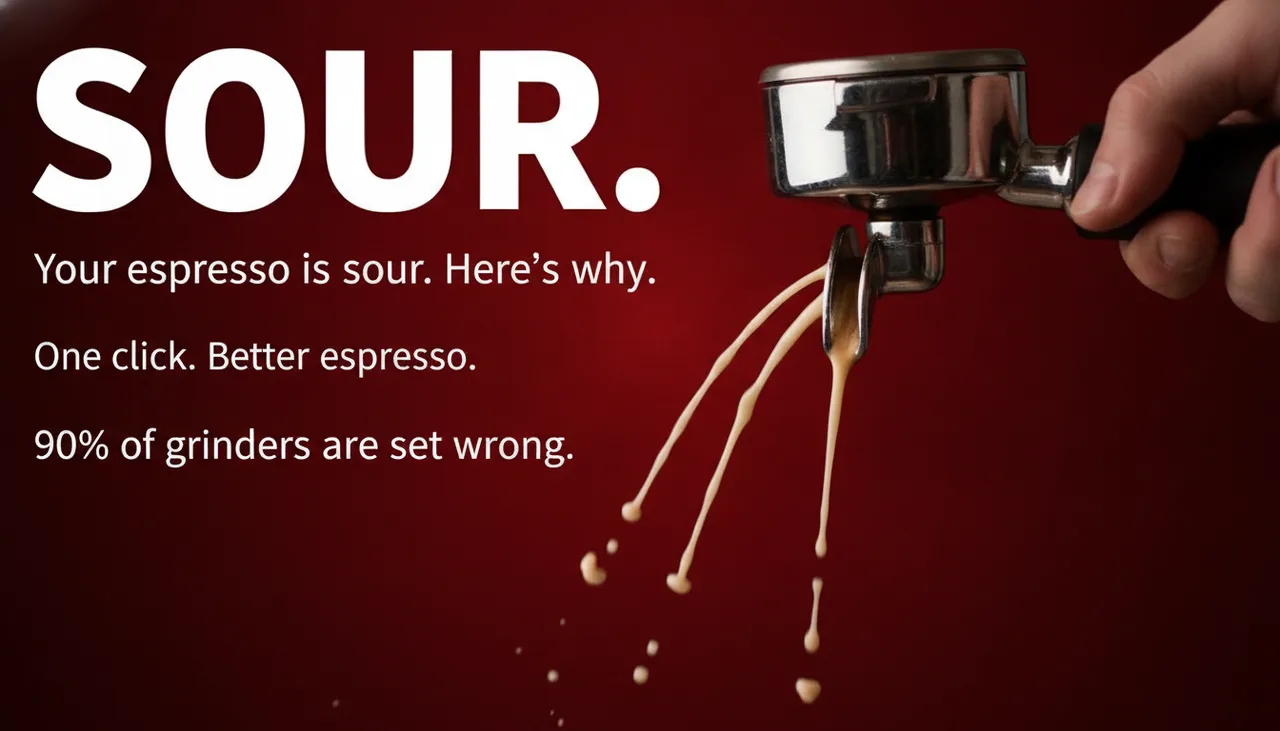
Social media · 3 stages
A topic becomes three hook lines and three thumbnails to test against each other.
Social media · 4 stages
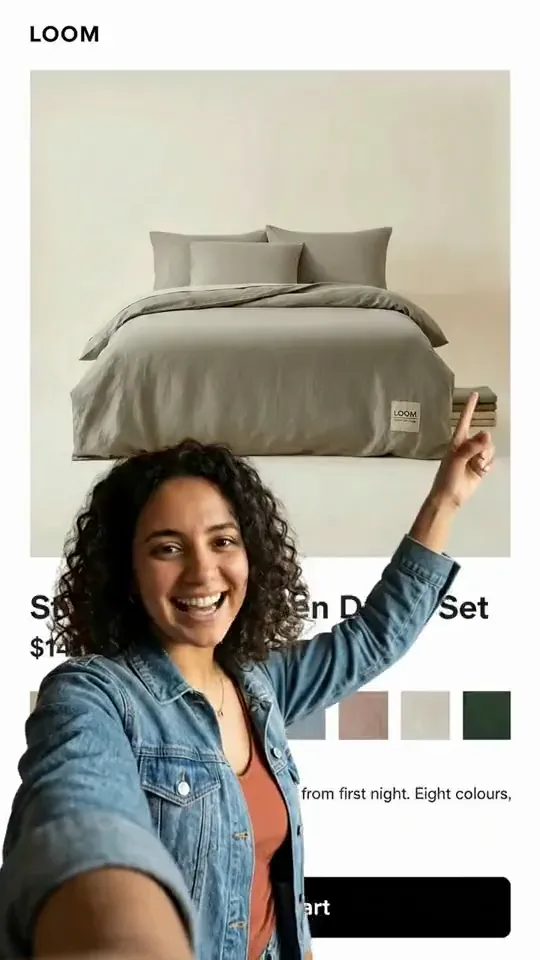
A presenter in front of the product page, pointing at what matters — the creator format, from one screenshot.