Skip to content
  • Create

    • Image
    • Video
    • Audio
    • Motion
    • Edit & Enhance

    Platform

    • Creative Board
    • Templates
    • One-click effects
    • Apps
    • Brand kit
    • Models
    • Teams & reviewComing: Shared workspaces, seats and review links a client answers without an account.
    • CreatorsShorts, series and channel art at the cadence your audience expects: the same character every episode, B-roll, voice, music and captions, without a crew.
    • DesignersStills from every image model, kept on brand and consistent, reworked and finished on one canvas, with the price of each run shown first.
    • FilmmakersStoryboards, shots and sound from the leading video models, kept consistent from scene to scene and cut on one canvas, priced before each run.
    • Brands & e-commerceLaunch films, product shots and paid-social cuts in one look, with your brand kit on every card and the price of every run shown first.
    • AgenciesPitch directions side by side before the shoot, direct the client’s pick to a finished cut on a shared board, and price every round first.
    • App & SaaSWrite, voice and cut hook variations for install ads and explainers, in every shape the feeds want, priced before they run.
  • Templates
  • Pricing
    • FAQAnswers about templates, credits and plans, models, AI disclosure and your account.
    • TrustHow credits, refunds and AI disclosure work: what the product enforces today, and what is coming.
    • GuidesGuides for marketers: UGC ad hooks, 30-second scripts, creative testing, aspect ratios and the FTC rule on AI presenters.
    • ChangelogEvery change to Vessero you can see, with the date it shipped.
    • Tools· HERESmall tools for single jobs, each marked free or paid. The hook generator and the UGC script generator are free and need no account.
    • CompareVessero side by side with Higgsfield, Magnific, Krea, Runway, Arcads and Creatify: what each offers and costs, and where each is the better choice. Dated and linked.
    • AboutWhat Vessero is, who it is for, and the rules it is built by.
    • ContactTalk to the Vessero team about your account, plans for teams, or a partnership.
    • AffiliatesEarn 25% of every subscription payment for a customer’s first 12 months. For creators, agencies and educators who teach people to make images, video and ads.
Sign inStart
Start

Vessero is the AI creative studio: image, video, sound and motion from the best models, finished on one canvas with captions, motion, your brand and many versions, for creators, designers and the teams that ship ads.

People in our videos are AI actors unless we say otherwise.

Product

  • Image
  • Video
  • Audio
  • Motion
  • Edit & Enhance
  • Creative Board
  • Templates
  • One-click effects
  • Apps
  • Brand kit
  • Models
  • Pricing
  • Effects

Solutions

  • Creators
  • Designers
  • Filmmakers
  • Brands & e-commerce
  • Agencies
  • App & SaaS

Resources

  • FAQ
  • Trust
  • Guides
  • Changelog
  • Tools
  • Compare

Company

  • About
  • Contact
  • Affiliates

Legal

  • Privacy Policy
  • Terms of Service
  • Cookie Policy
  • Delete your data
  • Security
  • Legal notice

© 2026 Vessero · A product of Forgutti Unipessoal Lda

hello@vessero.com

Paid tool · Background remover

Keep the subject. Lose the background.

Take the background out of a picture and keep it as a transparent PNG — for a product page, a thumbnail or a design. Sign in, drop it in, and see the price before it runs.

2 credits a picture · paid · priced again before it runs

Sign in, then drop your picture in.

Sign in to remove the background

There is no free tier: you pay when you run it, and a run that fails is refunded.Plans and credit packs

Before and after

The tool’s own work, not a mock-up.

Drag the handle to compare. Made by this tool from a picture Vessero made, at the price above.
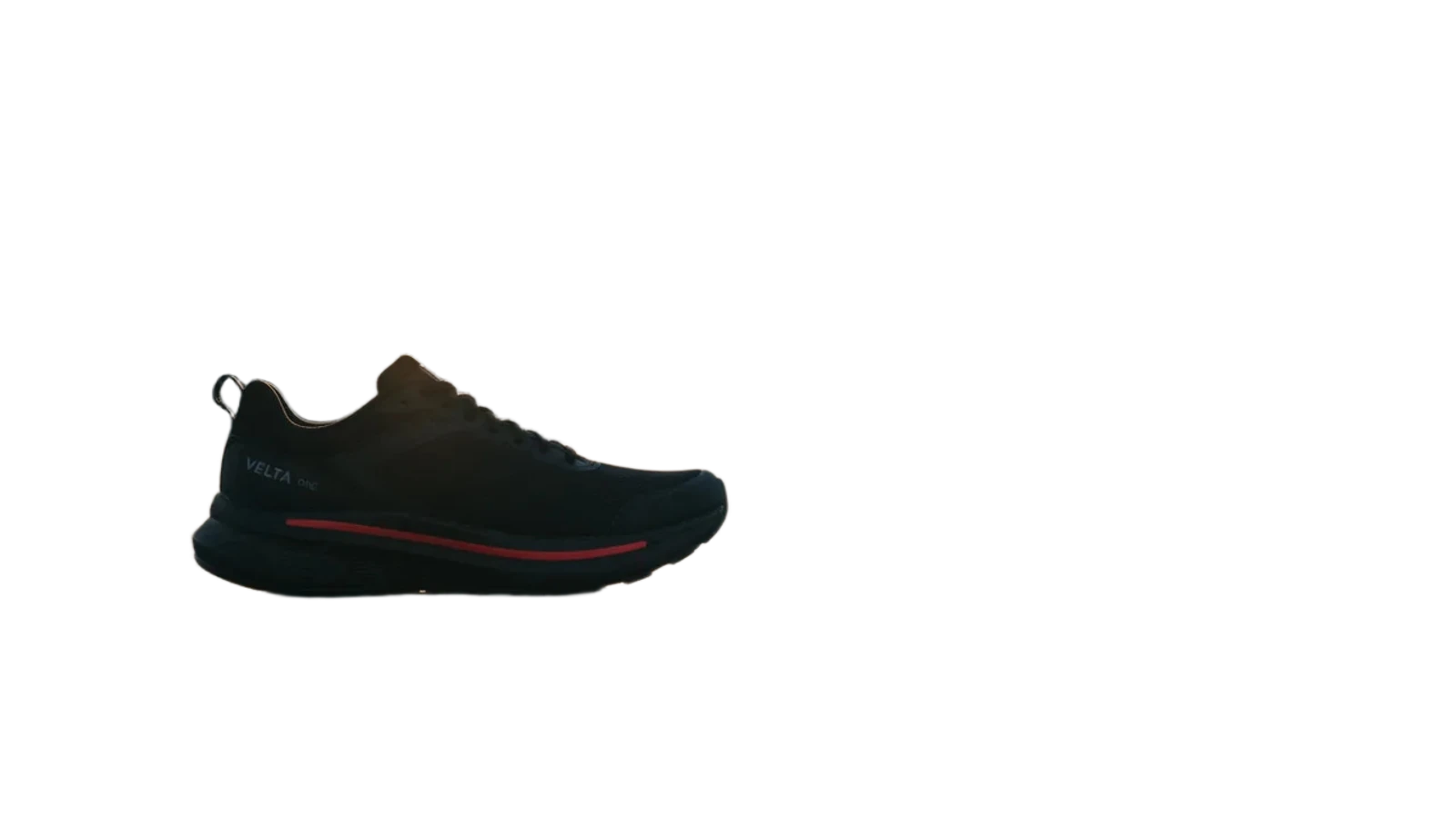
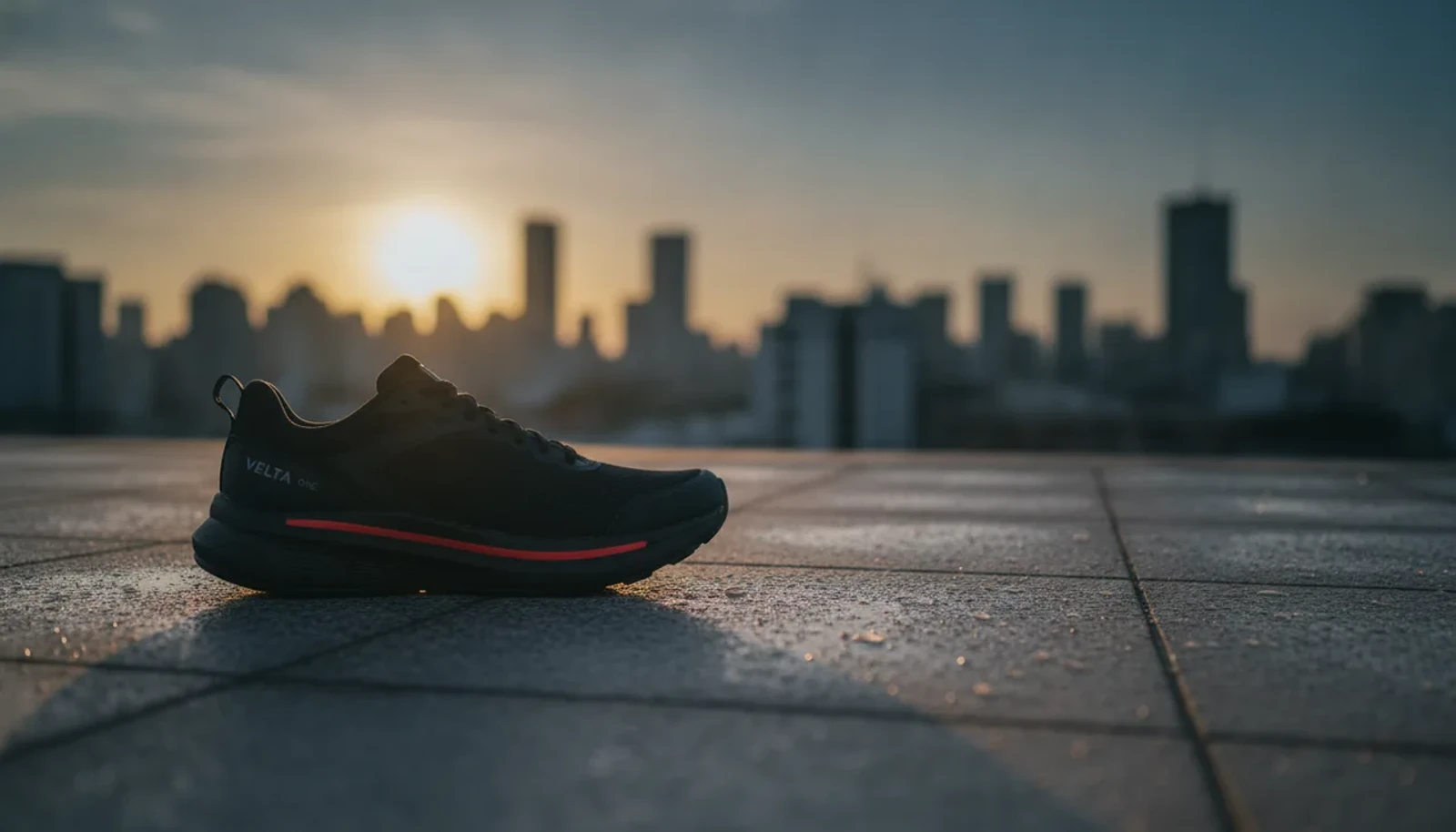
Paid tool · Background remover: a worked example
⇆
BeforeAfter

Made with Vessero · Recraft Remove Background · 1280 × 731 · 2 credits

The original: the still from the “Brand sheet to video ad” template’s sample, made with Nano Banana. Made 2026-09-24.

How it works

Three steps, one price.

  1. 01

    Drop in a picture

    PNG, JPEG or WebP. It opens in Edit & Enhance with Remove background chosen.

  2. 02

    Press Run

    The price is on the button before anything is charged: 2 credits.

  3. 03

    Keep the cut-out

    It shows on a checkerboard, beside the original. Save it as a PNG; a run that fails is refunded.

What it takes

The limits, stated.

  • Up to 16 megapixels: a bigger picture is scaled down to fit before its background comes out.
  • The result is a PNG with a transparent background, at the size it went in.
  • Cut out by Recraft’s background remover.
Image upscalerAll tools

Questions

Before you run it.

  • Is the background remover free?

    No. A cut-out costs 2 credits a picture, shown on the Run button before anything is charged, and a run that fails is refunded. Credits come with a plan or a credit pack.

  • What do I get back?

    A PNG with a transparent background: the subject kept, everything else gone. It drops onto any colour, photo or design.

  • What does it keep?

    The main subject — a product, a person, a pet. A busy scene with several subjects may keep more than you want; Erase, in the same studio, takes out the rest.